Adaptive input systems
Full compatibility with USB and Bluetooth assistive switches, plus one and two-button interaction for users with limited mobility.
Ability Foundry VR
An open-source virtual reality gaming platform for people with limited mobility. Adaptive input, gaze navigation, and single-switch control, built on Unity for Meta Quest and other VR platforms.
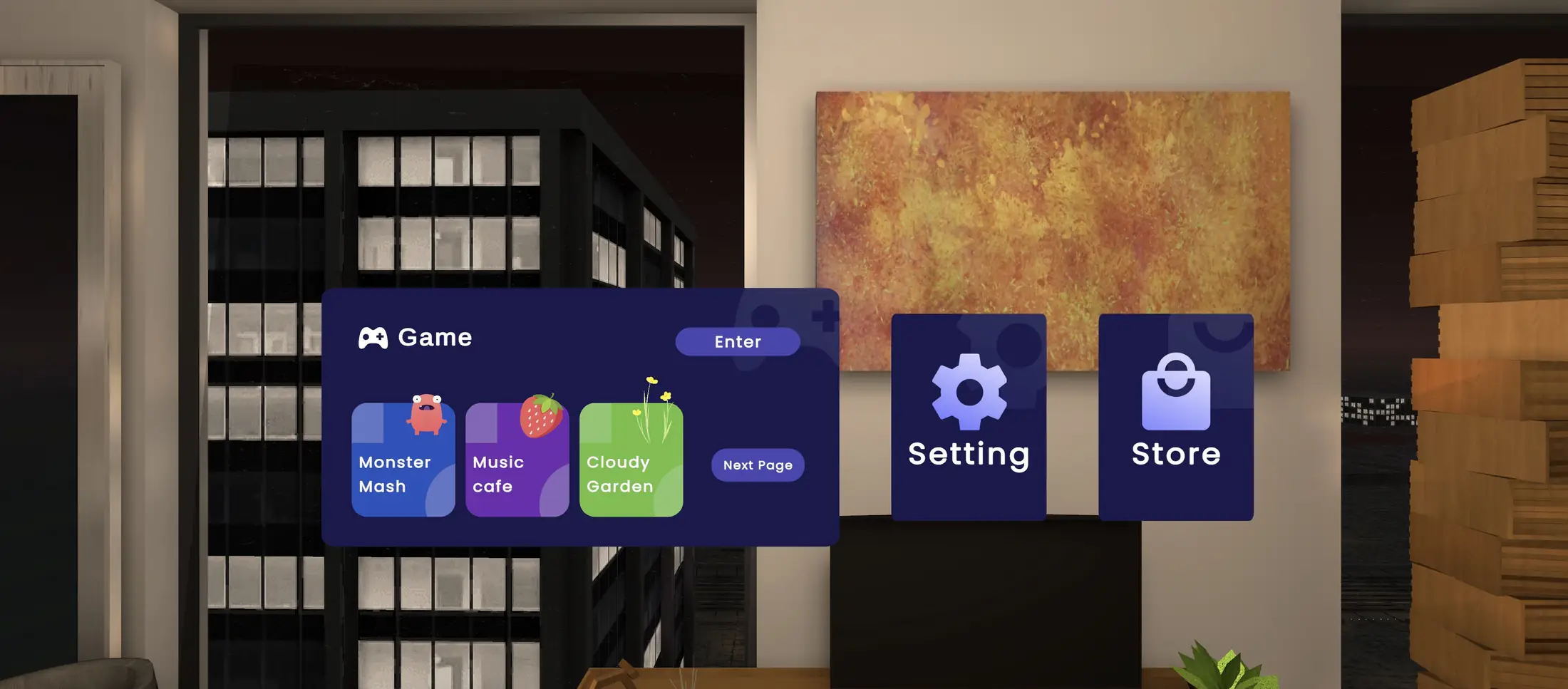
Platform features
Full compatibility with USB and Bluetooth assistive switches, plus one and two-button interaction for users with limited mobility.
Eye and head tracking for hands-free interaction and navigation throughout virtual environments.
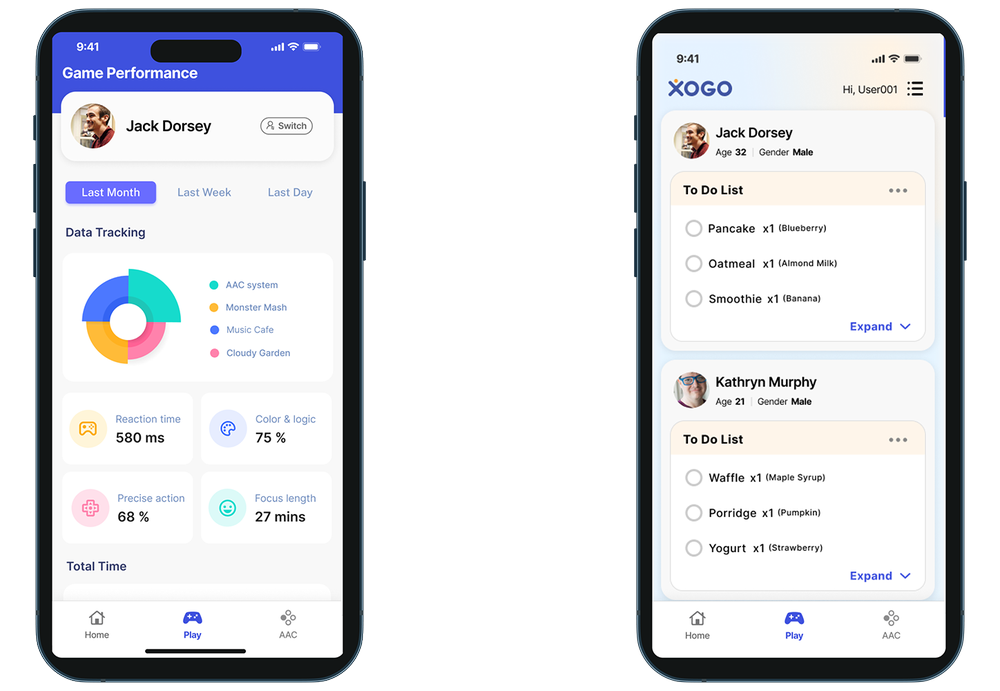
Analytics track motor skill improvements and therapeutic outcomes, with detailed session reports.
WebRTC streaming lets parents and caretakers watch sessions live and provide assistance from anywhere.
Therapeutic games
Most accessible games feel like exercises. Ours are built to be fun, because a game someone enjoys is a game they come back to, and it is that repeat play which builds motor skills and confidence. All five work with a single switch or your gaze.
Steer the clouds, make it rain, and watch the garden bloom. Calm and unhurried, with difficulty levels that build focus and sustained attention as you go.
Hit the beat and the whole cafe answers in color and sound. Multi-sensory timing practice that never feels like practice, at whatever speed suits you.
Mix slimes, make monsters, see what happens. A messy chemistry set that teaches cause and effect, where no combination is a wrong answer.
Fast and genuinely tense. Dodging obstacles across four worlds sharpens reaction time and switch timing without ever feeling like drill work.
Drop into a street corner anywhere on earth in full 360 degrees and work out where you are. Part travel, part guessing game, and a real workout for memory and reasoning.
Companion app
A phone app that mirrors the session, so support can happen from the next room or the next city.
Technical specifications
Join the beta
Tell us how you or someone you support wants to use VR, and we will get you set up with an early build.
Request beta accessOpen source
Free for non-commercial use by individuals, nonprofits, and educational institutions. Commercial use needs a separate license.
Contact us about commercial licensing